

How to set up VLC Media Player
Add IPTV to VLC Media Player on Windows, Mac, Android, and iOS using your M3U link. Learn to load channels, open the playlist, and record streams.
- 1
Enter your M3U link
Open File > Open Network (or press Ctrl+N / Command+N) and paste your M3U link into the URL field.
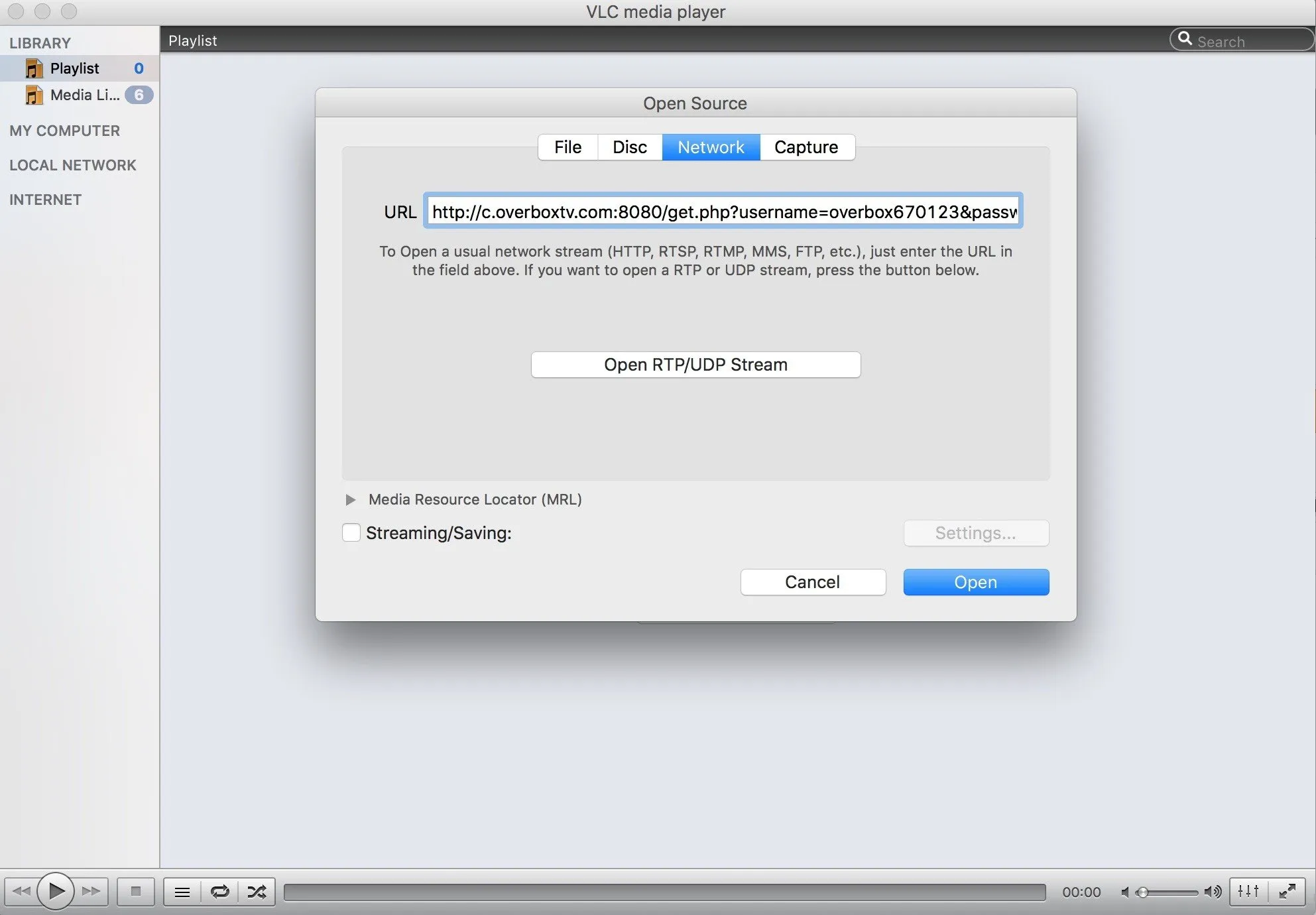
- 2
Open the channel list
Click Open, then click the three-line icon (or press Ctrl+L) to display your channel list.
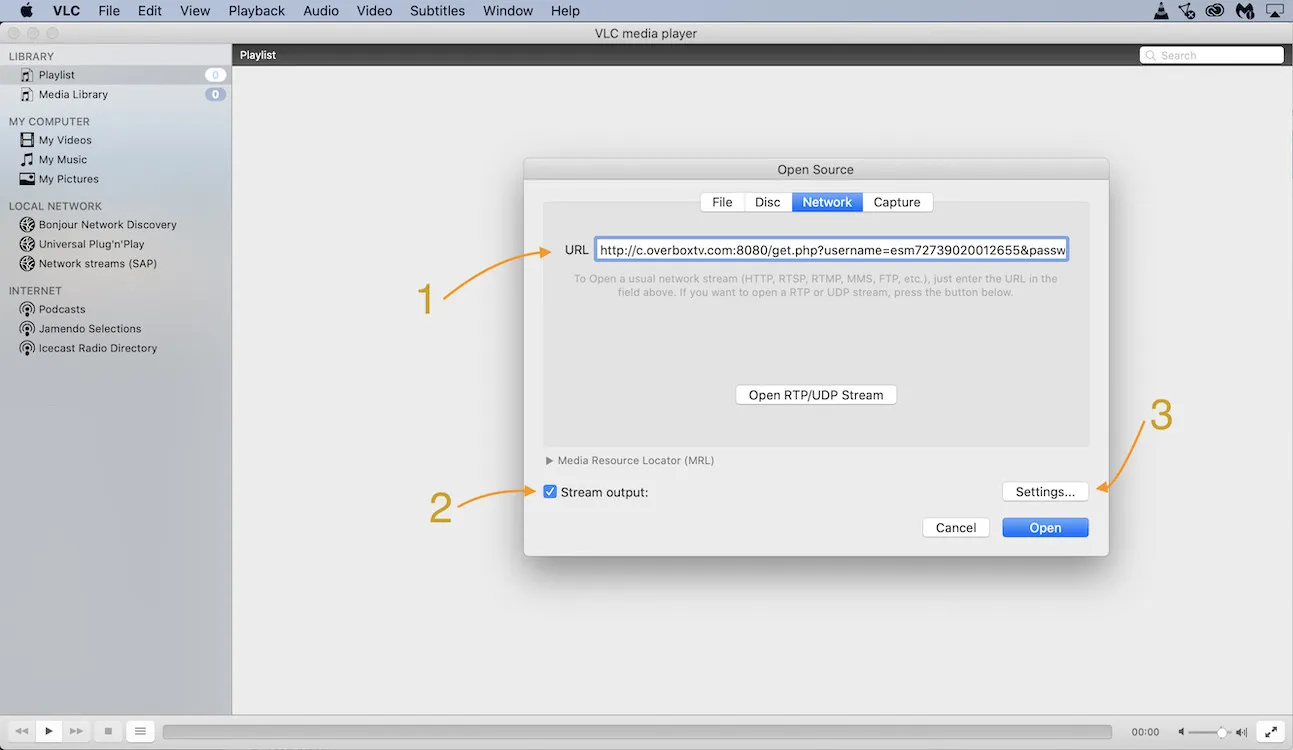
Frequently asked questions
Why does VLC crash when loading my M3U link?
This usually happens with very large playlists, typically those with more than 60,000 items. Reduce the number of channels and VOD entries in your provider dashboard, then reload the smaller list.
Can I see channel and VOD groups in VLC?
No. VLC does not support category or group browsing. If you need grouped channels and VOD, use a dedicated IPTV player instead.
Can VLC play large M3U lists on mobile?
VLC for iOS and Android cannot play an M3U list with more than 10 items. However, many IPTV players can use VLC as an external player to handle playback.
Don’t have your login yet?