

How to set up Purple IPTV (Smart Purple)
Step-by-step guide to set up IPTV Smart Purple Player with Xtream Codes or M3U. Add your playlist, enable VPN and EPG, and stream Live TV, Movies and Series.
- 1
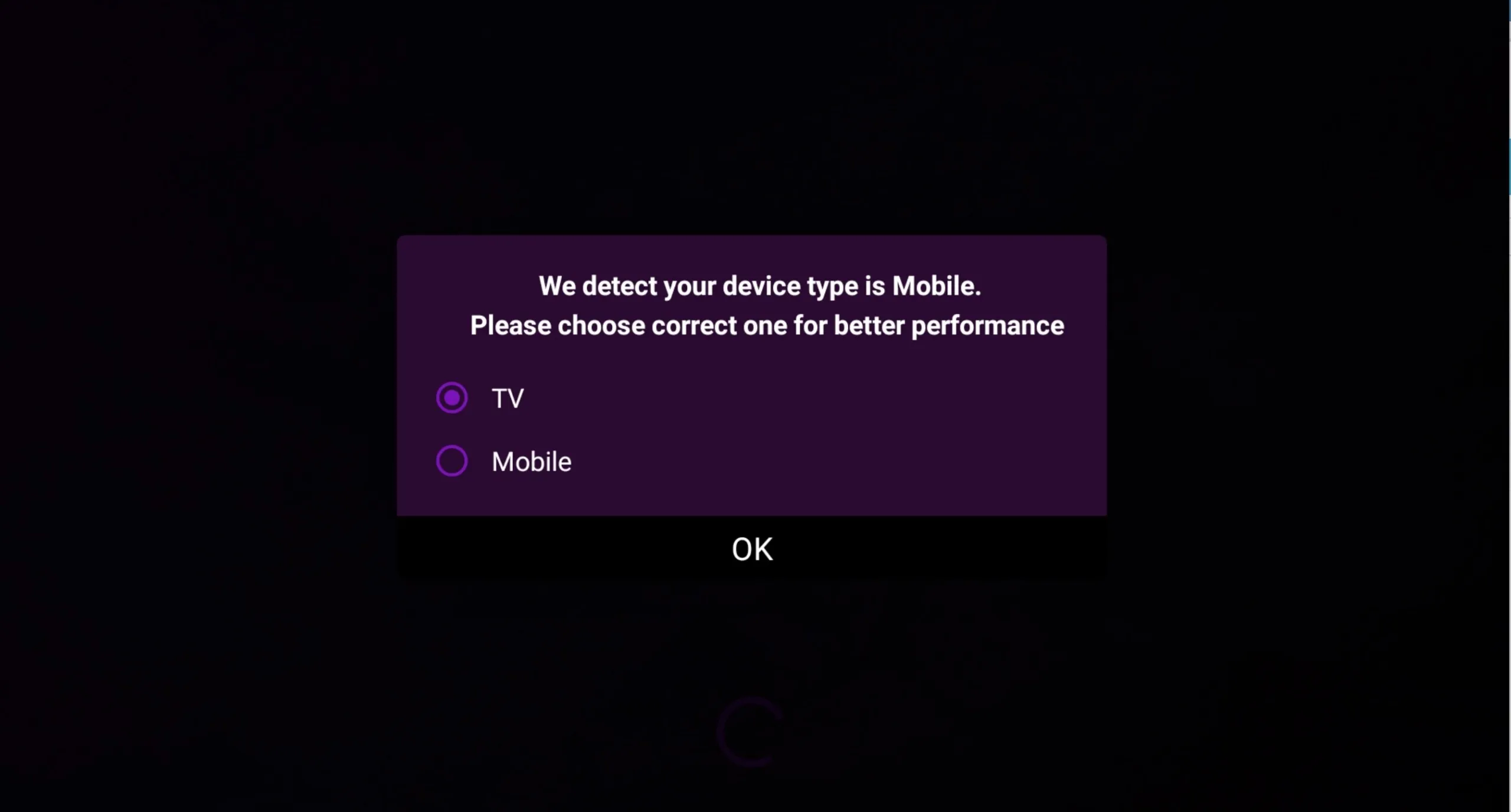
Choose display mode
On first launch, pick TV or mobile mode so the app shows the best interface for your device.
- 2
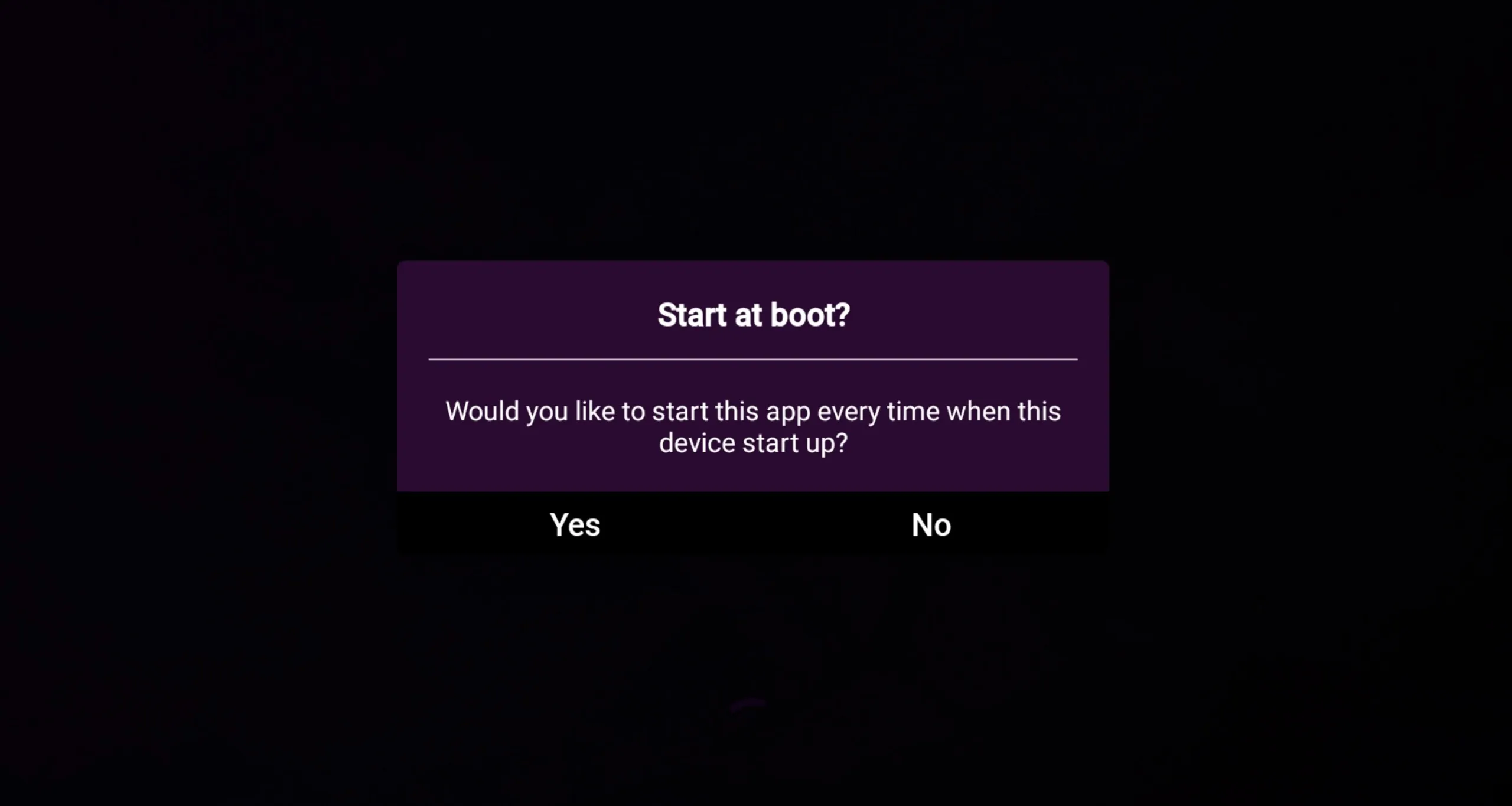
Set auto-start
Decide whether IPTV Smart Purple should launch automatically when you turn on the device.
- 3
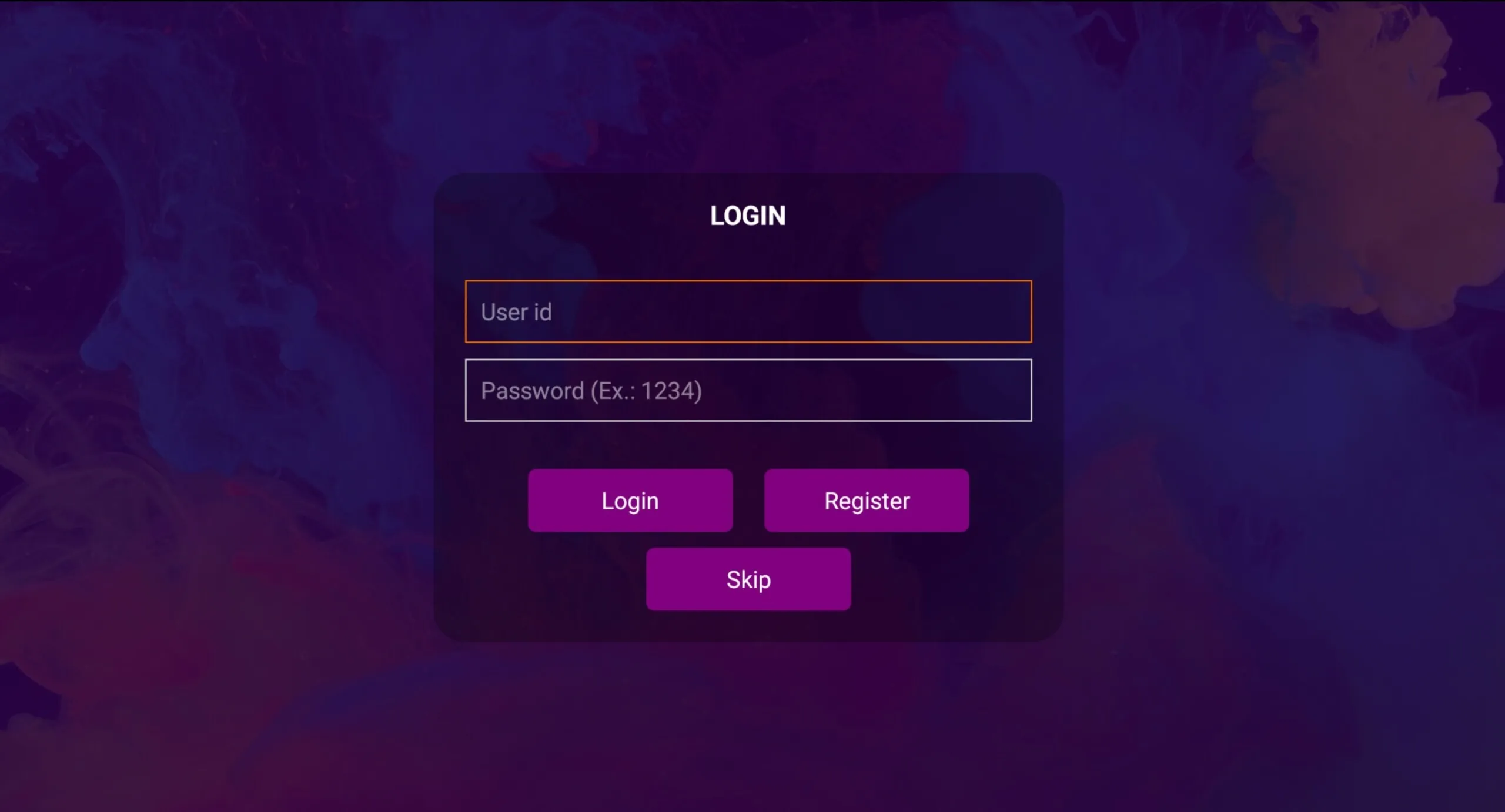
Skip sign-up
Skip the optional account step, or create an account on the Purple Smart TV portal.
- 4
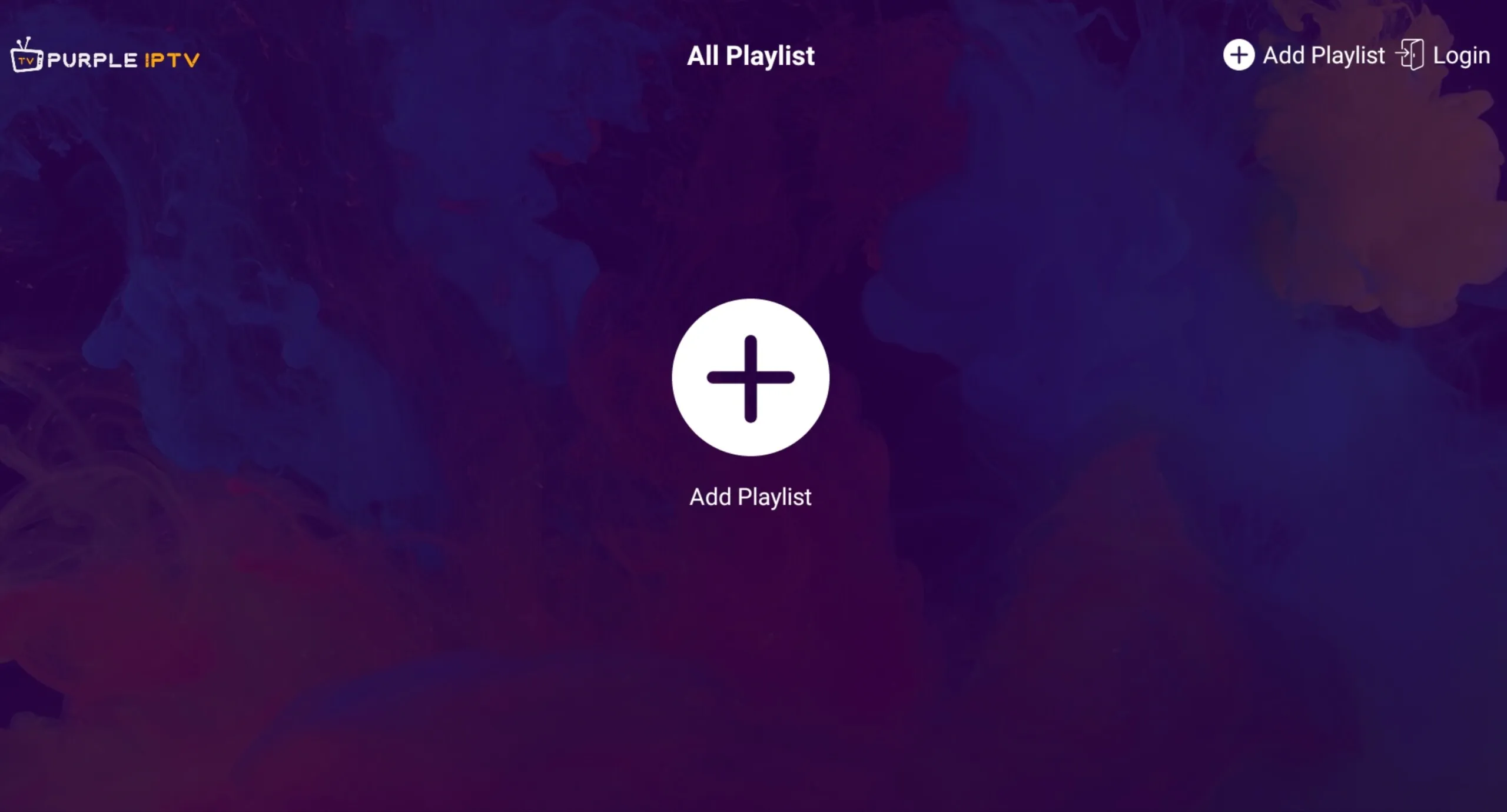
Add a playlist
Press the plus button to add a new playlist.
- 5
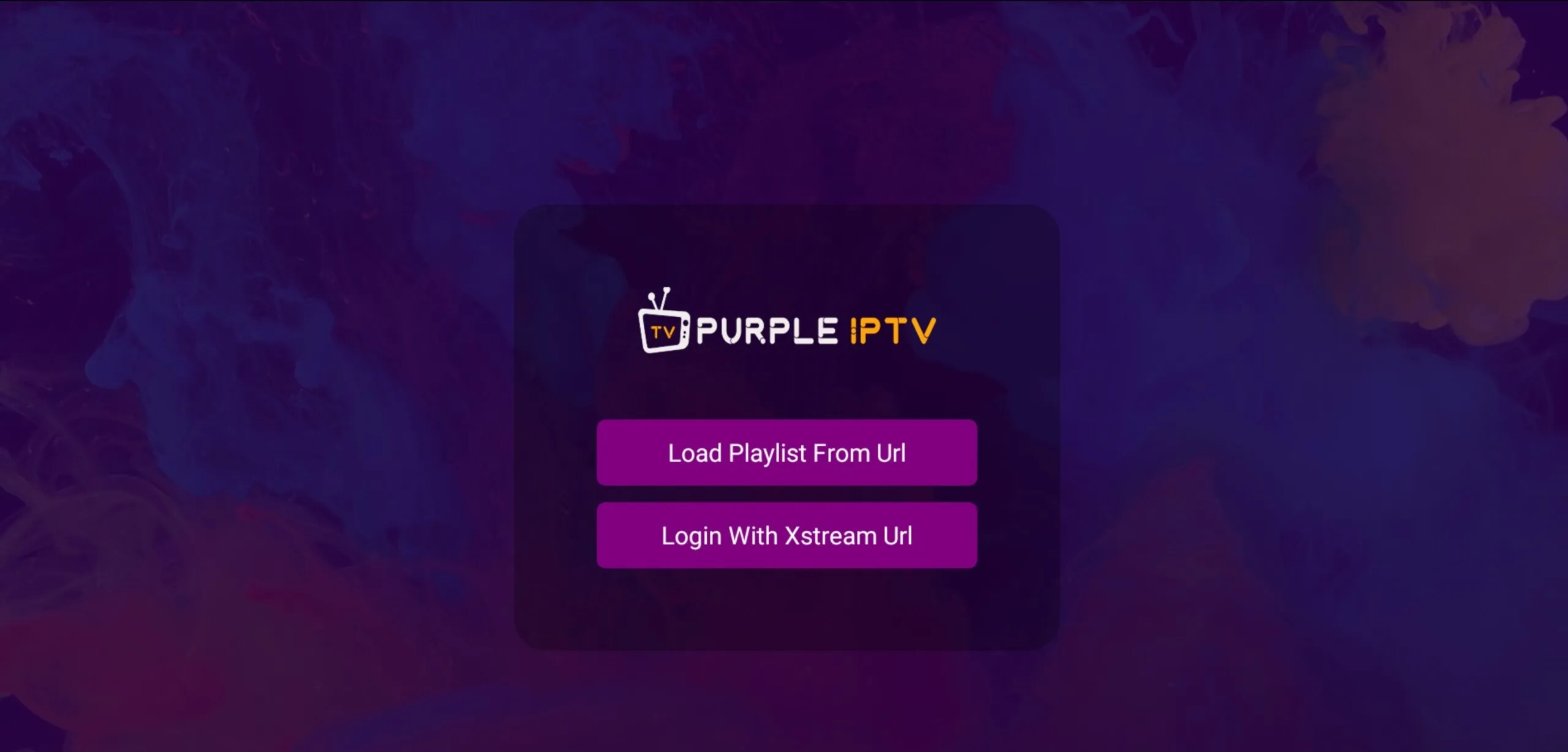
Choose a method
Select Login With Xtream URL (recommended) or Load Playlist From URL.
- 6
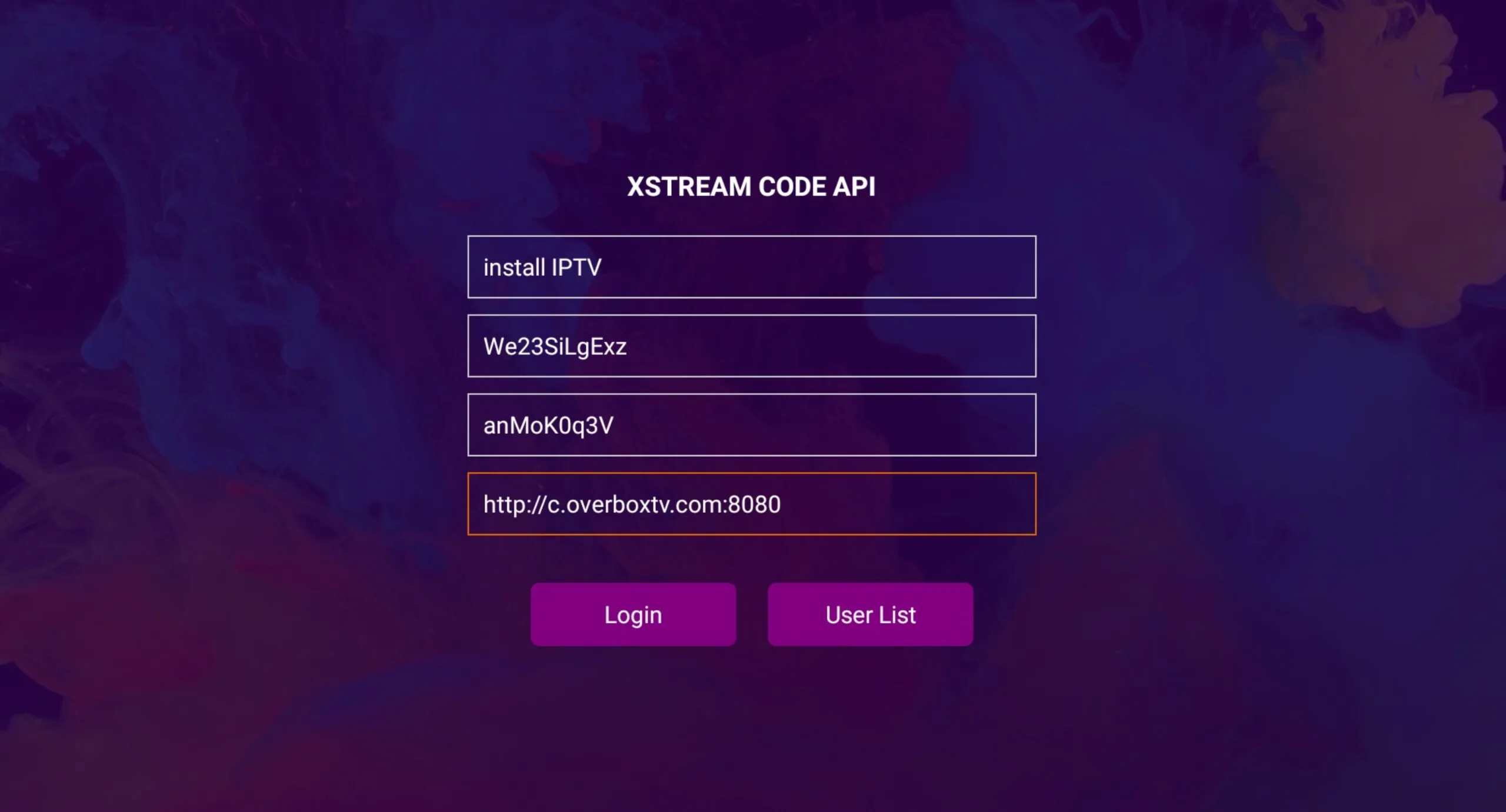
Enter your details
Enter the playlist name, username, password and server URL, then press Login.
Frequently asked questions
Should I use Xtream Codes or an M3U link?
Use Login With Xtream URL whenever possible — it works for around 95% of providers and unlocks Live TV, Movies, Series and EPG. Use Load Playlist From URL only if your provider gives you a plain M3U link.
How do I find my Xtream Codes details?
Your server URL, username and password are contained inside the M3U link from your provider. The part before /get.php is the server URL, and the username and password follow as parameters in the link.
How do I install IPTV Smart Purple on Fire TV / Fire Stick?
Install the Downloader app, enable Apps from Unknown Sources in Developer Options, then enter http://install-iptv.com/iptv-purple in Downloader to download and install the APK.
Don’t have your login yet?