

How to set up iPlayTV
Install IPTV on iPlayTV for Apple TV. Add your M3U playlist or Xtream Codes login to stream live channels, VOD, and EPG on Apple TV in a few minutes.
- 1
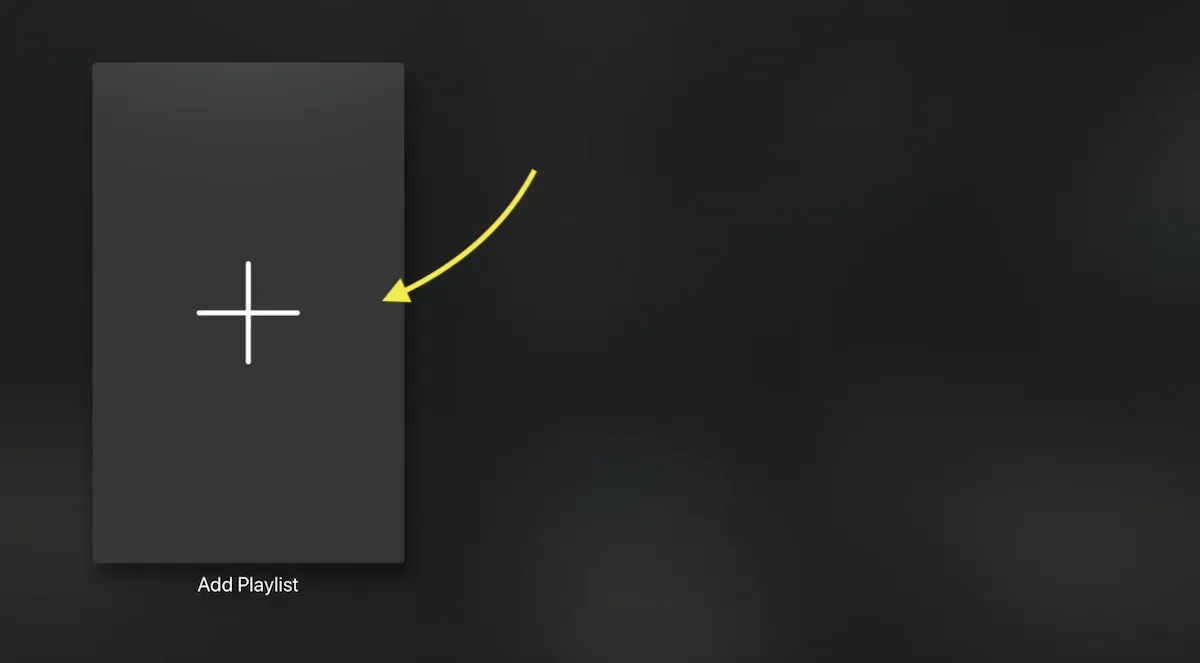
Add a playlist
Open iPlayTV and select Add Playlist from the main menu.
- 2
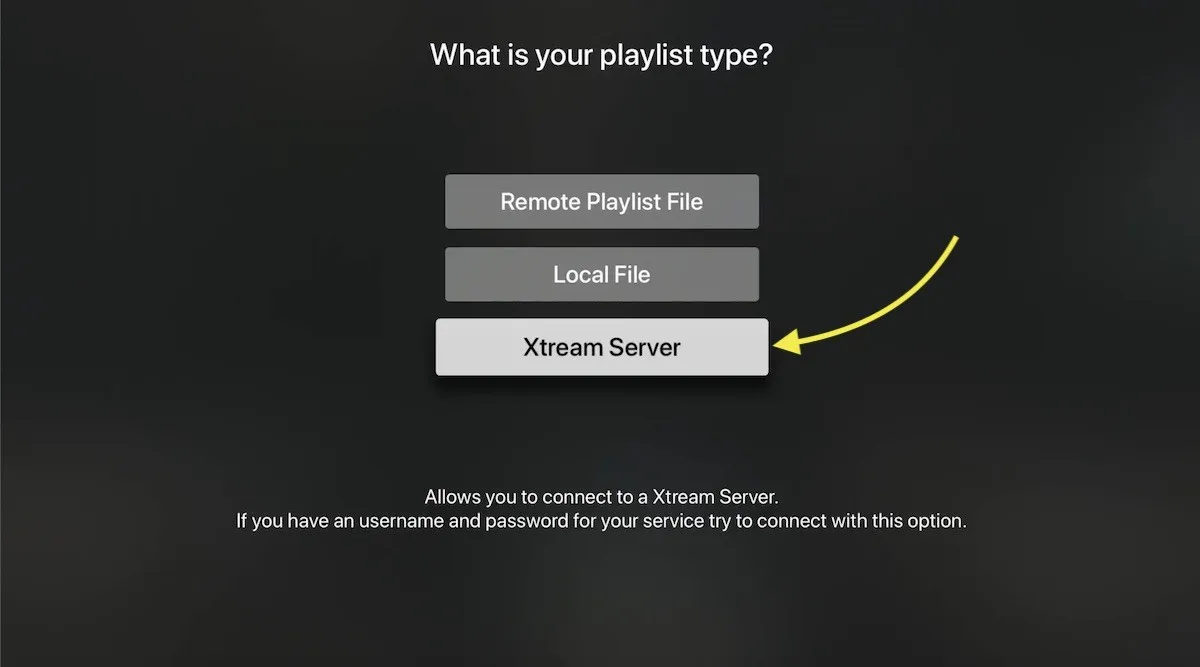
Choose Xtream Server
Pick the Xtream Server option for the best experience, including EPG and automatic playlist updates.
- 3
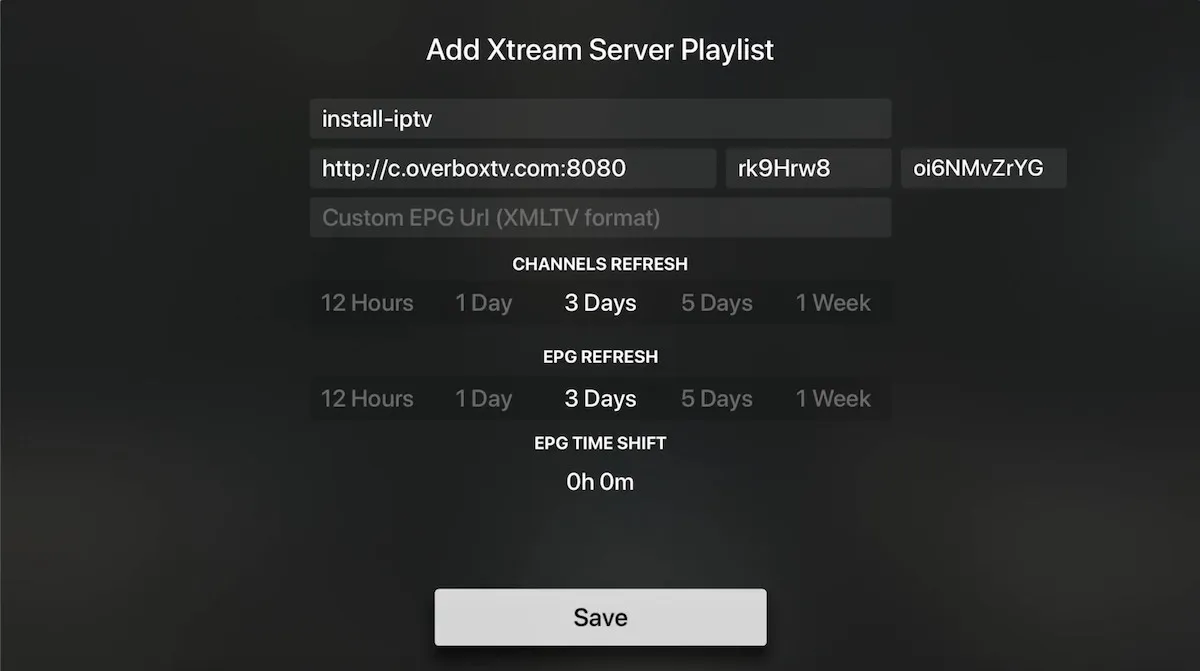
Enter your server details
Type the server URL, username, and password from your IPTV provider and give the playlist a name.
- 4
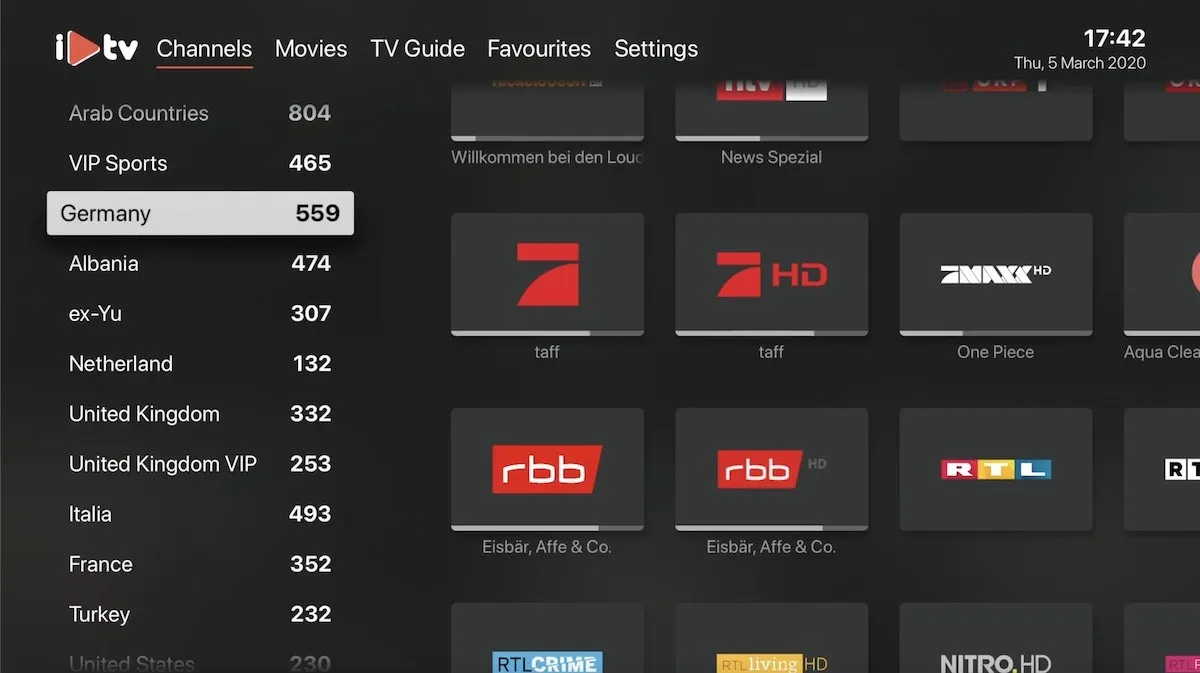
Let it load
Save your details and iPlayTV automatically loads your channels, VOD, and EPG.
Frequently asked questions
How do I find my Xtream Codes details?
Your Xtream Codes server URL, username, and password are provided by your IPTV service. You can also extract them from your M3U link, where the host is the server URL and the username and password appear as parameters in the link.
How do I open the channel list while watching?
Swipe from left to right on the Apple TV remote's touch surface to bring up the zapping channel list.
How do I show the EPG for the current channel?
Swipe from right to left on the Apple TV remote to display the current channel's program guide (EPG).
Which Apple TV models are supported?
iPlayTV works on Apple TV 3rd generation and newer. It costs $5.99 as a one-time purchase on the App Store.
Don’t have your login yet?