
How to set up Formuler Z7+
Set up IPTV on the Formuler Z7+ box in minutes: find your MAC address, add your provider's Portal URL in MyTV Online, and start streaming.
- 1
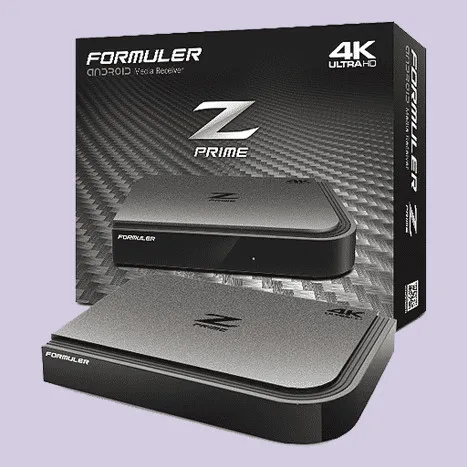
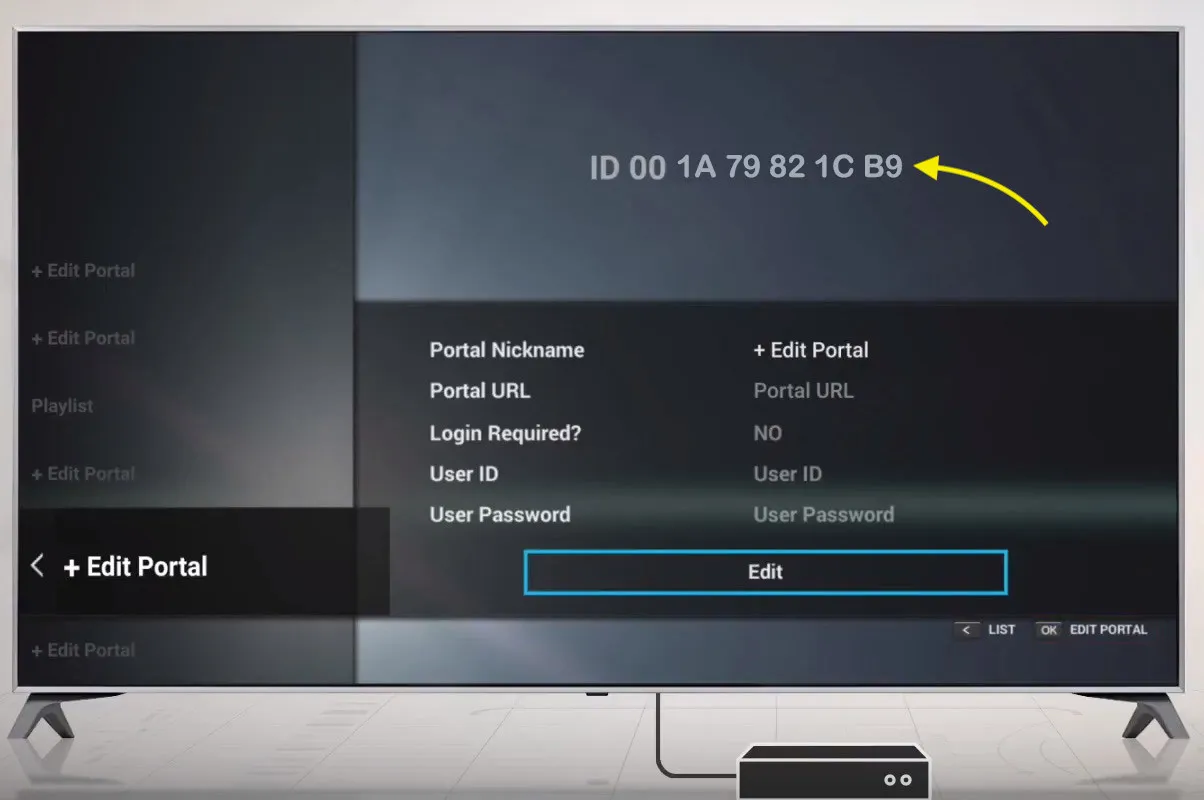
Find the MAC address
Open MyTV Online and copy the MAC address shown in the ID field at the top of the screen.
- 2
Send the MAC to your provider
Give the MAC address to your IPTV provider, or enter it in the MAG section of your IPTV dashboard.
- 3
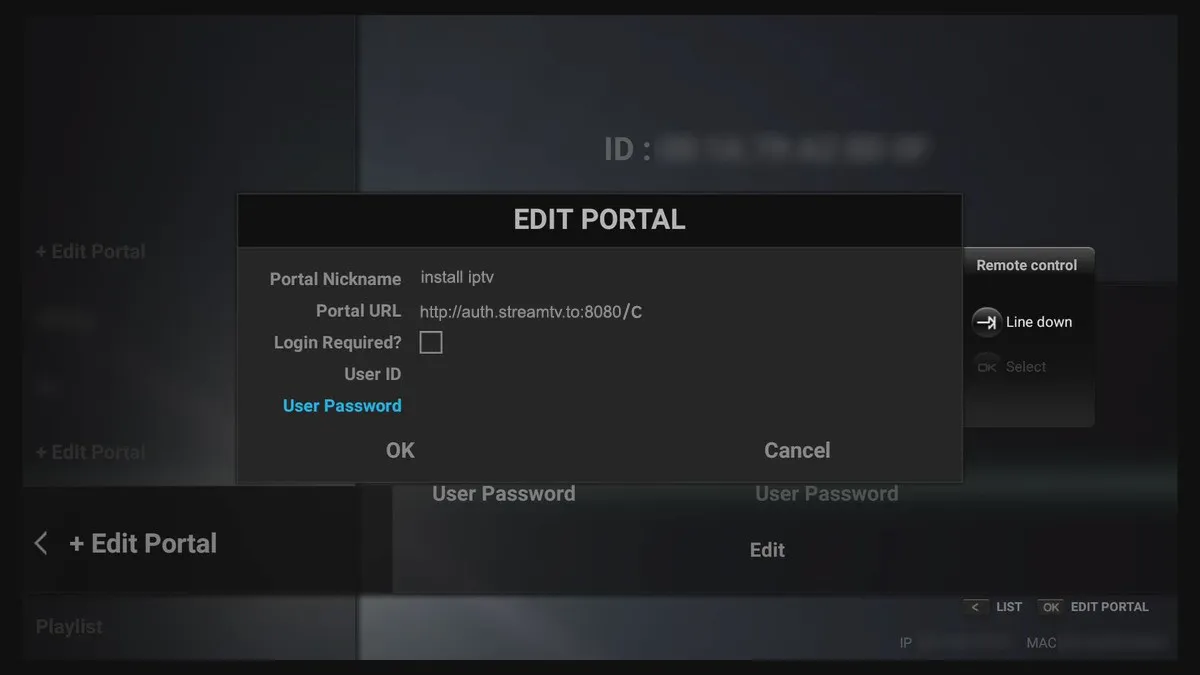
Add the Portal URL
Select Edit Portal, enter an optional nickname and your provider's server URL, then save and reload.
Frequently asked questions
Which app do I use to watch IPTV on the Formuler Z7+?
The Formuler Z7+ comes with the MyTV Online app pre-installed. It uses MAC address and Portal URL authentication, similar to MAG devices running the Stalker protocol.
Where do I find the MAC address on the Formuler Z7+?
Open MyTV Online; the MAC address is displayed in the ID field at the top of the home screen.
How long does setup take?
Once you have your provider's Portal URL, the whole process takes roughly four minutes.
Don’t have your login yet?